
You can!
This is covered fully in the Event Finder User Guide (🔗). In summary, there are two ways to do this.
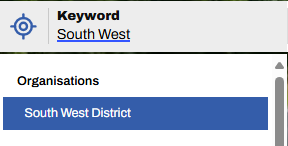
1. Use the Keyword search - simply type the name of the district into the keyword search box and select it from the drop down. This can be combined with a date range, and then further refined by any combination of a long list of filters.
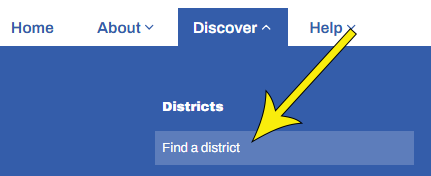
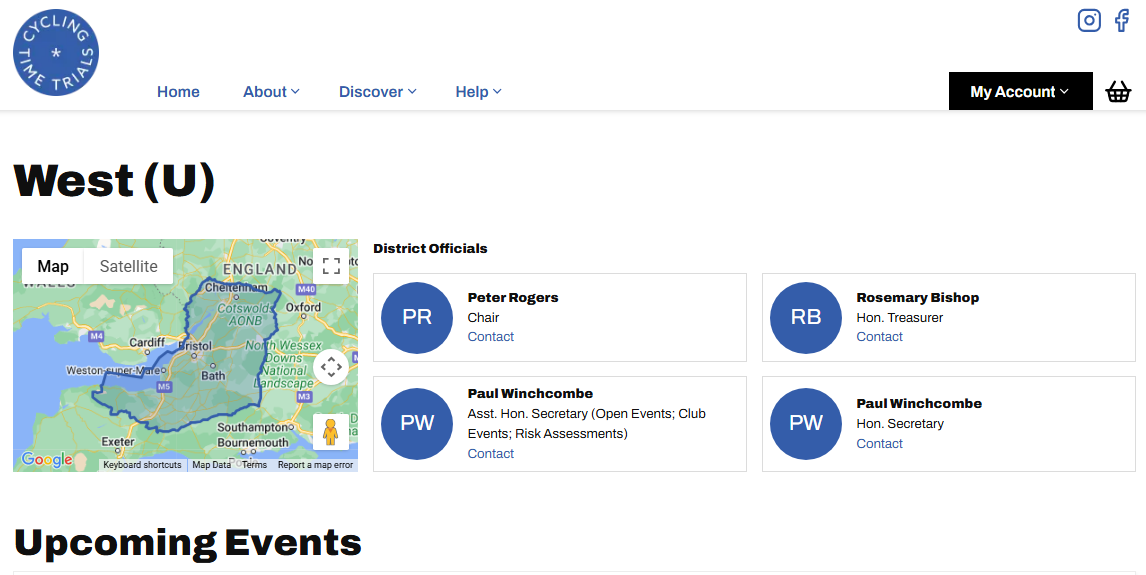
2. Use Find a District - from the Home Page, hover over Discover and select Find a District. Select your district from the map. This will return an unfiltered view of all future events in your chosen district.