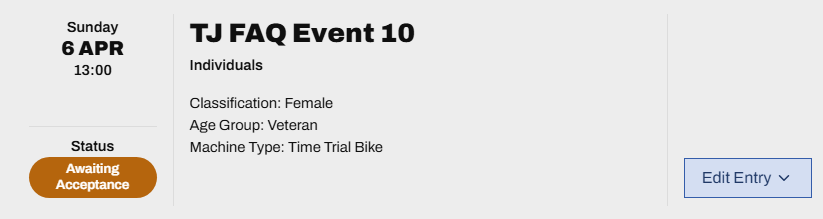

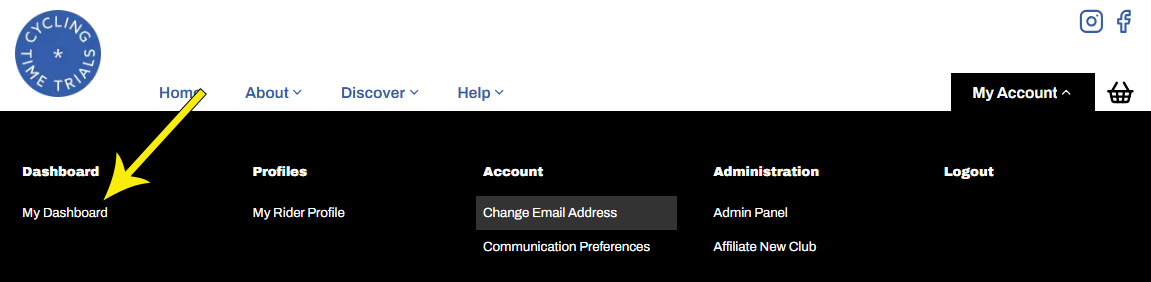
Provided the event's closing date has not passed, you can withdraw your entry for a full refund, less a £1 admin fee. You can also edit entry details, for example your bike type. To do so, hover over My Account and select My Dashboard
From the My Events section of the page, find your entry and select Edit Entry, then Withdraw